
DStv Dual View vs XtraView: Cost, Cabling and Setup Explained
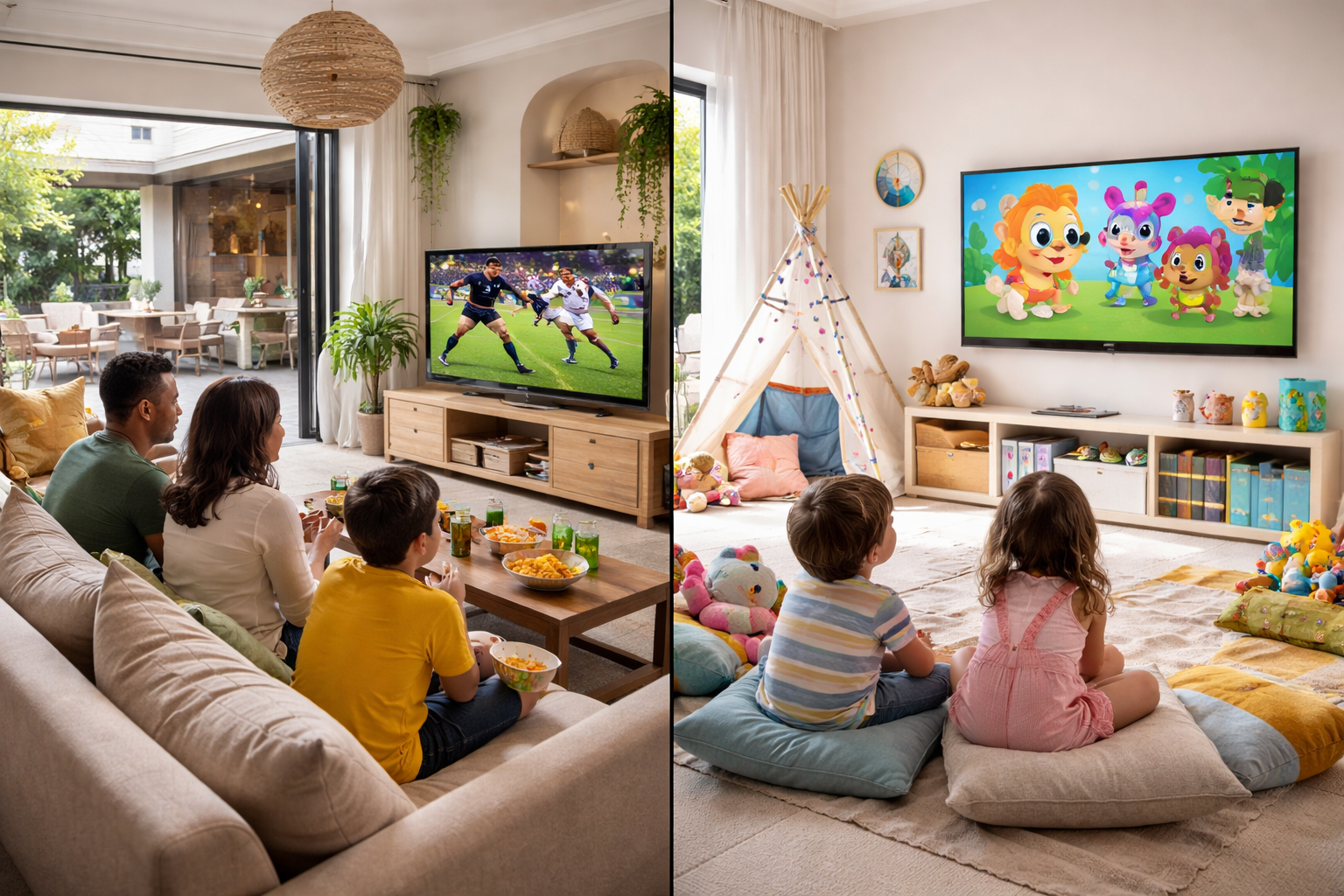
DStv Dual View is what most Sandton households call it when they want DStv running on two TVs at once, but the feature MultiChoice actually sells is called XtraView. Same outcome, different name, and the confusion costs people money when they buy the wrong decoder. This guide explains what the two terms mean, which decoders can be linked, exactly what cabling a dual view setup needs, and what the job costs in Sandton.
We wire these setups across Bryanston, Rivonia and Morningside most weeks, usually in homes where the lounge and the main bedroom are fighting over the remote. The good news is that you do not need a second subscription. The catch is that the hardware and cabling have to be right, or the two decoders will never link.
Dual View vs XtraView: What the Names Actually Mean
MultiChoice's own support pages describe the feature as XtraView, not Dual View. Their official name for linking decoders is XtraView, and their help pages describe it as a way to "link either two or three decoders together under ONE subscription". Dual View survives as everyday South African shorthand for DStv on two TVs, carried over from older decoder generations that were sold under that name.
So when you phone an installer and ask for Dual View, what you are almost certainly asking for is XtraView with two decoders. The practical difference worth knowing is this: linking decoders in XtraView means both TVs can watch different live channels at the same time, off one subscription. It is not the same as splitting one decoder's output to a second TV, which gives you the same channel on both screens and is a much cheaper but far more limited job.
If your goal is genuinely just a second screen showing the same thing, say so when you book. If you want independent viewing in two rooms, XtraView is the setup you need.
What DStv Dual View Costs in Sandton
There are two separate costs and people routinely confuse them. The first is what we charge to install and cable the setup, a once-off amount. The second is what DStv charges you monthly, which is billed on your subscription and has nothing to do with us.
On the monthly side, DStv's own XtraView pages set out the structure clearly. Link two decoders and you pay your normal subscription plus one Access Fee. Link three and you pay two Access Fees. There is an exception worth checking on your own account. MultiChoice states that if one of your decoders is a PVR, you are already paying an Access Fee, so monthly viewing on the second decoder costs nothing extra.
MultiChoice does not publish the Rand value of the Access Fee on those XtraView help pages, and it moves with their annual price adjustments. I would rather not quote a figure that may be stale by the time you read this, so check the current amount on your MyDStv account or your latest statement. What I can give you firmly is our own installation pricing:
| Job | What it includes | Indicative price |
|---|---|---|
| Dual view link, existing cabling | Link two decoders already cabled, run the setup wizard, signal test | R450 – R750 |
| Dual view with a new cable run | Second RG6 run to the other room, wall point, link and test | R850 – R1,400 |
| Smart LNB upgrade | Replace a single or twin LNB with a DStv Smart LNB, realign | R650 – R950 |
| Full two-decoder install from scratch | Dish, Smart LNB, both cable runs, both TV points, linking | R1,500 – R2,800 |
Prices depend on cable run length, whether we have to chase walls or drill through face brick, and how many storeys we are working across. We quote upfront after a quick look at the property, and for the full walkthrough of a two or three decoder job our Extra View installation guide covers the process end to end.
Which Decoders Can Be Linked
This is where money gets wasted. Not every decoder can be linked, and the rules are stricter for three decoders than for two. MultiChoice publishes the allowed combinations, and the key points are worth reading before you buy anything second-hand.
| Setup | What DStv allows | Monthly |
|---|---|---|
| Two decoders | A combination of 11 series single view decoders, the DStv HD Decoder, the SD PVR and HD PVRs (all models), and the DStv Explora | Subscription + one Access Fee |
| Three decoders | A combination of the DStv Explora and the DStv HD Decoder | Subscription + two Access Fees |
| Primary decoder, three-decoder setup | Must be a DStv Explora | — |
| SD PVR | Can only be the secondary decoder | — |
Two more rules catch people out. You cannot run different packages on the linked decoders, so everyone gets the same bouquet. And each decoder still operates independently for rentals, meaning a BoxOffice movie rented on one decoder plays only on that decoder.
Note that MultiChoice's published combination list covers the 11 series decoders, the HD Decoder, the SD PVR, the HD PVRs and the Explora. Newer hardware is not on that published list, so if you are about to buy a specific decoder purely to link it, check compatibility with DStv or send us the model first. It is a two-minute question that saves a wasted purchase.
What Cable Is Required for a Dual View Setup?
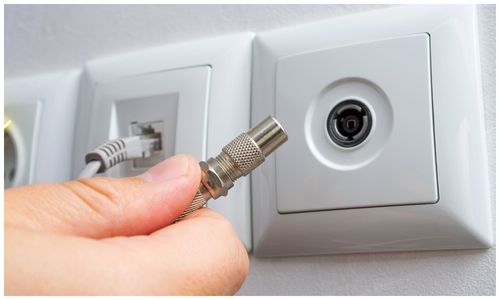
Every decoder in the setup needs its own signal feed. That means a dedicated RG6 coaxial cable run from the dish to each decoder, terminated with proper F-type connectors. RG6 is the standard for satellite work. It has the shielding and low signal loss you need over the cable runs typical in a Sandton house. Older RG59 cable gives you a picture that breaks up in rain, and it is worth replacing while the walls are open.
The LNB on the dish decides how those runs are fed. DStv's own guidance is that the recommended installation for most XtraView setups is a DStv Smart LNB together with an 80cm satellite dish, and that is what we fit by default. A Smart LNB feeds multiple decoders and handles the link between them cleanly, which is why it has replaced the older approach on almost every new job.
On older hardware without a Smart LNB, the setup is fiddlier. A twin or quad LNB feeds the decoders, and a link cable runs between them through diplexers so the secondary decoder sees the primary. It works, and we still maintain plenty of these installs, but there are more connection points to fail and it is harder to fault-find years later. If your dish still has a single-output LNB, no amount of cabling will give you dual view until that LNB is upgraded.
How the Dual View Wiring Runs
People search for a dual view setup diagram, so here is the layout in plain terms for a modern Smart LNB installation:
- Dish and Smart LNB mounted with a clear line of sight to the north-eastern sky.
- One RG6 run per decoder from the LNB outputs, into each room, terminated at a wall point.
- Primary decoder in the main room, connected to its wall point and its TV.
- Secondary decoder in the second room, connected to its own wall point and TV.
- No link cable between the decoders on a Smart LNB setup, the LNB handles it. On an older twin-LNB setup, add diplexers at each end and a coax link between the two decoders.
That is the whole picture. The complexity is never the diagram, it is getting a tidy cable route through an occupied house and a signal reading that holds above 80% on both decoders in a Highveld thunderstorm.
Linking the Two Decoders
Once the cabling is in, the decoders have to be paired on the DStv system. Both smartcards must be registered on the same account, and the XtraView feature has to be active on your subscription. A setup wizard then runs on each decoder to establish which is primary and which is secondary. That primary and secondary relationship matters: the primary decoder holds the subscription and the secondary follows it.
Where it goes wrong for DIY attempts is almost always the order of operations. If the cabling or the LNB is not right, the wizard will simply not find the second decoder, and no amount of restarting will fix it. MultiChoice themselves recommend using an accredited installer for XtraView installations, which tells you something about how often the physical side is the real problem. Our Extra View and multi-room page sets out what we handle on the day.
Why Dual View Stops Working
When a working setup suddenly breaks, the cause is usually one of five things. A billing issue means the Access Fee has lapsed and DStv has switched off a decoder. A cable or connector has corroded, most often at an outdoor joint that was never weatherproofed properly. The dish has drifted out of alignment after wind, so both decoders show signal errors rather than just one. A diplexer or splitter has failed on an older setup. Or the decoders have simply lost their pairing and the wizard needs to be run again.
The quick diagnostic is to check whether the problem affects one decoder or both. Both decoders failing points at the dish, the LNB, or your account. One decoder failing points at that decoder's own cable run, connector or wall point. Our DStv troubleshooting guide works through the error messages you are likely to see on screen before you call anyone out.
Frequently Asked Questions
How much does XtraView cost?
You pay your normal DStv subscription plus one Access Fee for a second decoder, or two Access Fees for a third. MultiChoice does not publish the Access Fee amount on its XtraView help pages and it changes with their price adjustments, so confirm the current figure on your MyDStv account. Our installation is a separate once-off cost from R450.
How much is a DStv dual view subscription?
There is no separate dual view subscription. You keep one DStv package and add an Access Fee per extra decoder, which is far cheaper than running two subscriptions. If one of your decoders is a PVR you may already be paying that Access Fee, in which case the second decoder adds nothing monthly.
Can I have two DStv decoders with one subscription?
Yes, that is exactly what XtraView does. Two or three decoders link under a single subscription and each can watch a different live channel at the same time. All linked decoders must be on the same package, and each additional decoder attracts an Access Fee on your monthly bill.
Which LNB is used for extra view?
DStv recommends a DStv Smart LNB with an 80cm dish for most XtraView installations. Older setups use a twin or quad LNB with diplexers and a link cable between the decoders. A single-output LNB cannot support extra view at all and has to be upgraded first.
Why is my DStv extra view not working?
Check whether one decoder or both have failed. Both failing usually means a dish, LNB or account problem, while one failing points at that decoder's own cable run or connector. Other common causes are a lapsed Access Fee, a corroded outdoor joint, a failed diplexer, or decoders that have lost their pairing and need the setup wizard run again.
How do I use XtraView on DStv?
Register both smartcards on the same DStv account, activate XtraView on your subscription, then run the setup wizard on each decoder to assign a primary and a secondary. The cabling and LNB must already be correct or the wizard will not detect the second decoder. MultiChoice recommends an accredited installer for the physical side.
Get Your DStv Dual View Setup Installed in Sandton
If you want DStv on two TVs without a second subscription, we can quote you on the cabling, the Smart LNB and the linking in one visit. We install across Sandton and the surrounding suburbs, including Sandhurst, Bryanston, Rivonia, Morningside, Sunninghill, Fourways, Lonehill and Woodmead, usually within a day or two of your call. Ring us on 077 454 4032 or send a WhatsApp with a photo of your dish and decoders and we will tell you what your setup needs. You can also see our full DStv installation services or request a quote online.
For the official rules on which decoders may be linked and what the Access Fee structure is, MultiChoice publishes the detail on the DStv XtraView help page and the accompanying important XtraView information page.
Need Help with Your DStv?
Our accredited installers provide same-day service across Sandton. Call us for a free, no-obligation quote.